For Google TV Streamer

Music you
can see.

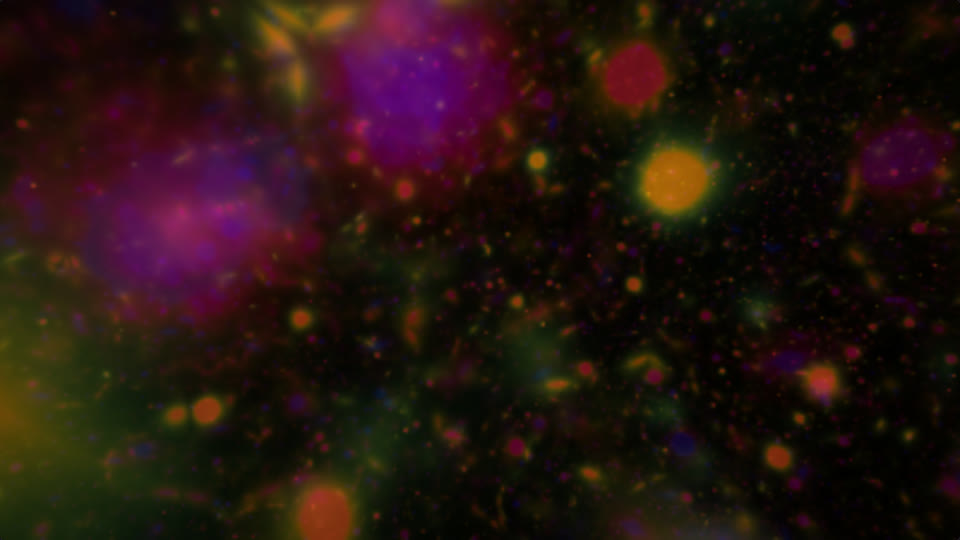
Visualiser turns whatever is playing on your TV into live visuals that follow the beat, the drums and the drop.

Version 0.3.0 · Android TV 10 or newer · Free

Screen recording from a Google TV Streamer, playing music from Spotify.

Built for the TV

Smooth on the Streamer.

Every scene was measured and tuned on the Streamer's own graphics chip, so it stays fluid on a 4K TV.

  • 42–60 fpsfor every scene, measured on the device.
  • Any appSpotify, YouTube Music, Plex: whatever is playing drives the picture.
  • Remote firstEverything works from the D-pad, with nothing on screen until you ask.

Six moods

Pick a feeling. It does the rest.

The app opens on a row of moods playing live behind the menu. Each one sets the scenes, effects, colours and pace, then keeps changing with the music.

Calm

Slow mandalas, drifting ink and growing patterns in cool blues.

Soft effects · gentle pace

Dreamy

Kaleidoscopic ink and endless fractal zooms in violet and rose.

Kaleidoscope · echo trails

Cosmic

Fly through fractal nebulae, tunnels and particle storms.

Space colours · deep travel

Flow

Everything, changing on the music's own moments. Switches to Techno when the tempo climbs.

All scenes · Auto techno

Party

Tunnels, lasers and particles at full intensity, with strobes on the kick.

Lively · bright

Techno

Cuts on the phrase, flashes on the kick, glitches on the hi-hat.

Full intensity · acid colours

Eight scenes

Never the same picture twice.

Scenes, palettes and effects combine on the fly, and every parameter drifts slowly between musical events, so the picture never loops.
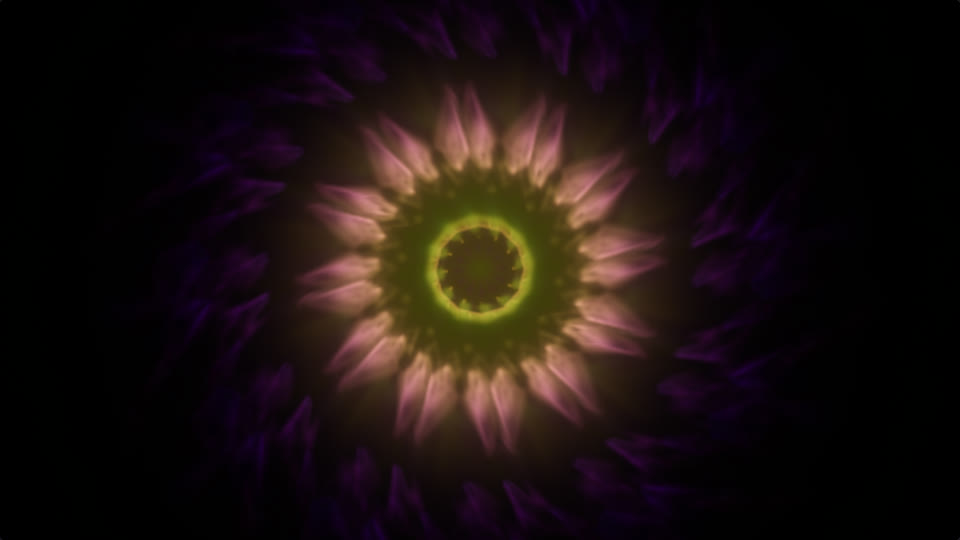
Mandala scene
MandalaFolded line-work with trails that change colour as they age.
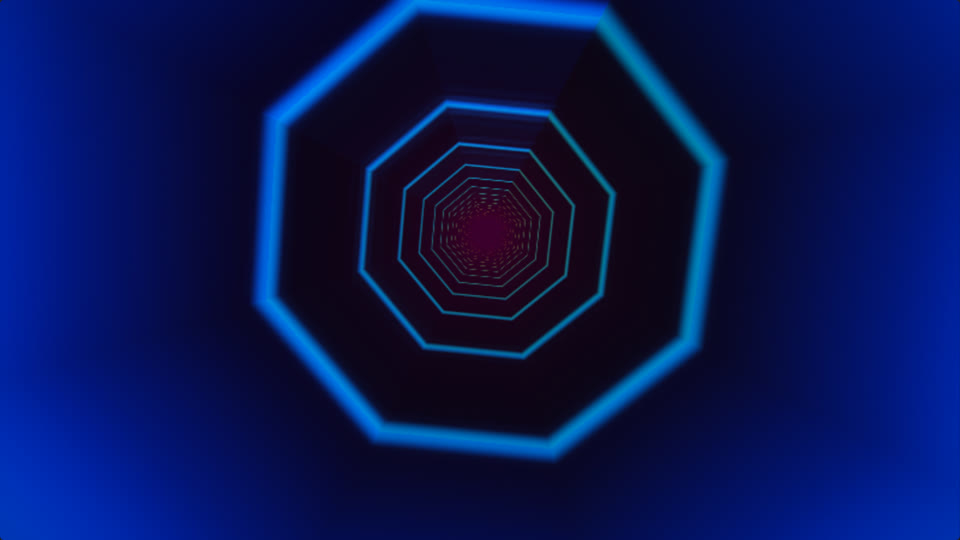
Tunnel scene
TunnelA flight down a 3 to 8-sided tube; each wall panel listens to its own frequency.
Fractal zoom scene
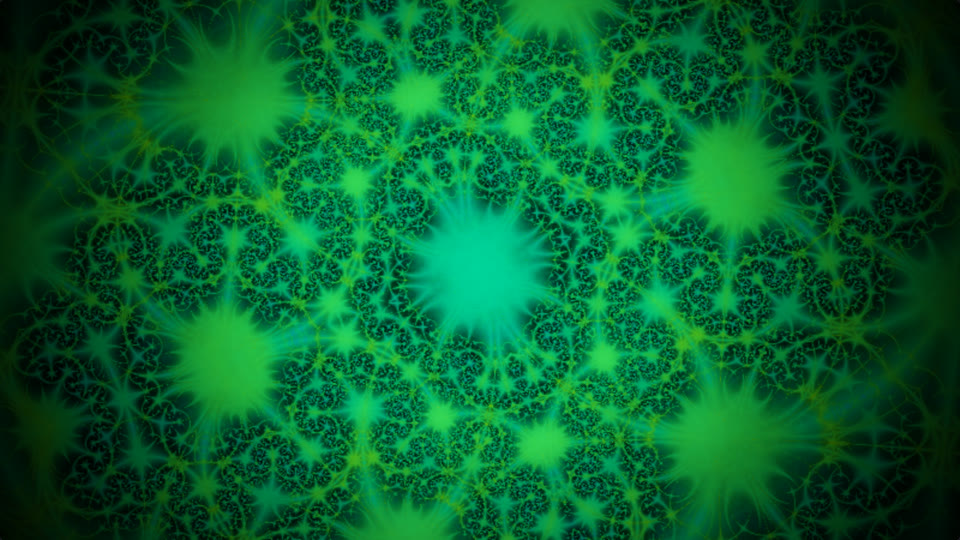
FractalAn endless zoom into a kaleidoscopic fractal, or a flight through one in 3D.
Reaction scene
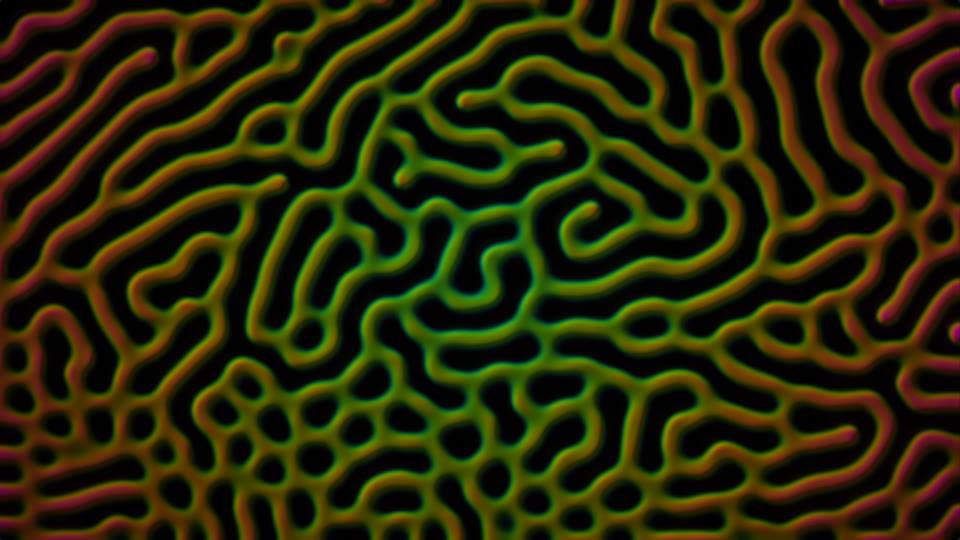
ReactionLiving patterns that stream outward and regrow, seeded by every kick.
Particles scene
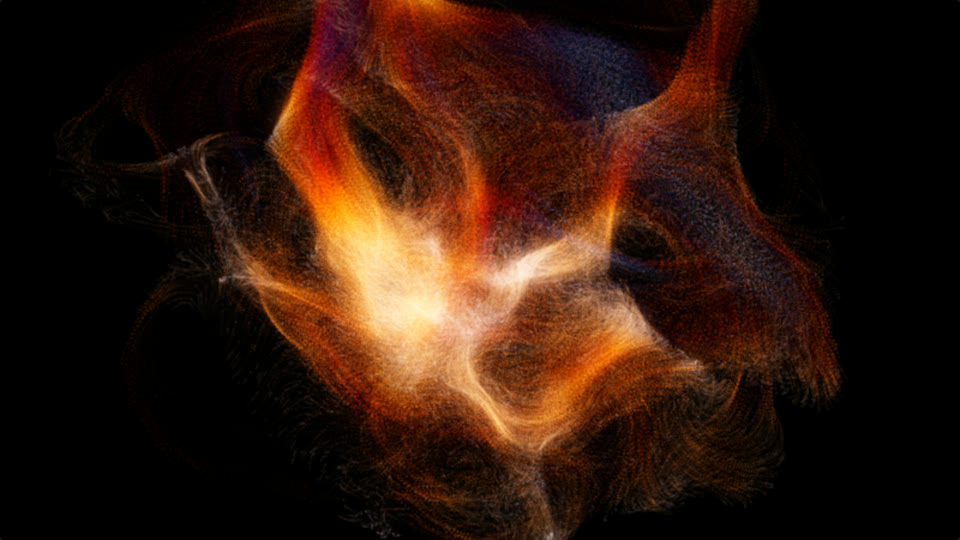
Particles32,000 particles in a flow field, bursting outward on the beat.
Lasers scene
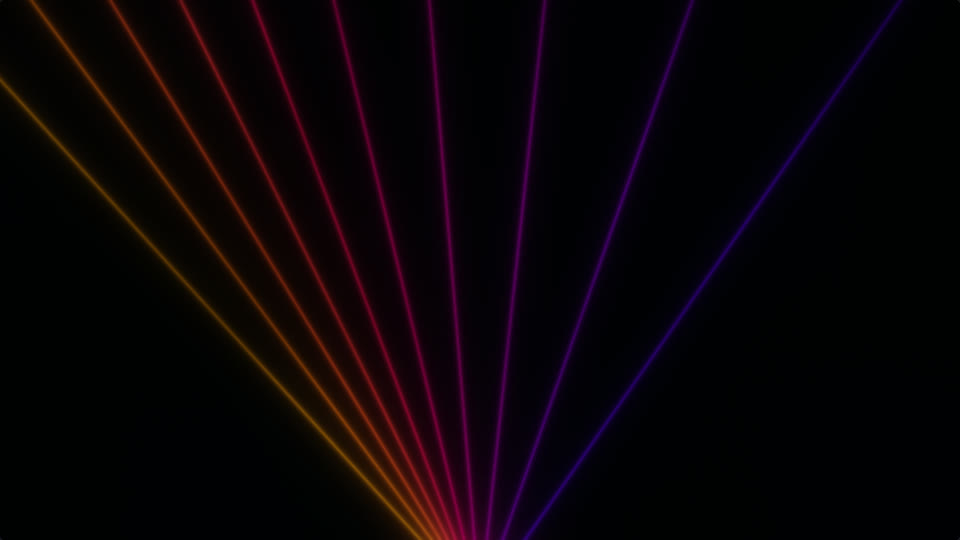
LasersBeams through haze that sweep with the mids and flicker on the hats.
Fractal flight scene
Fractal flightDrifting through fractal space; the bass sets the speed.
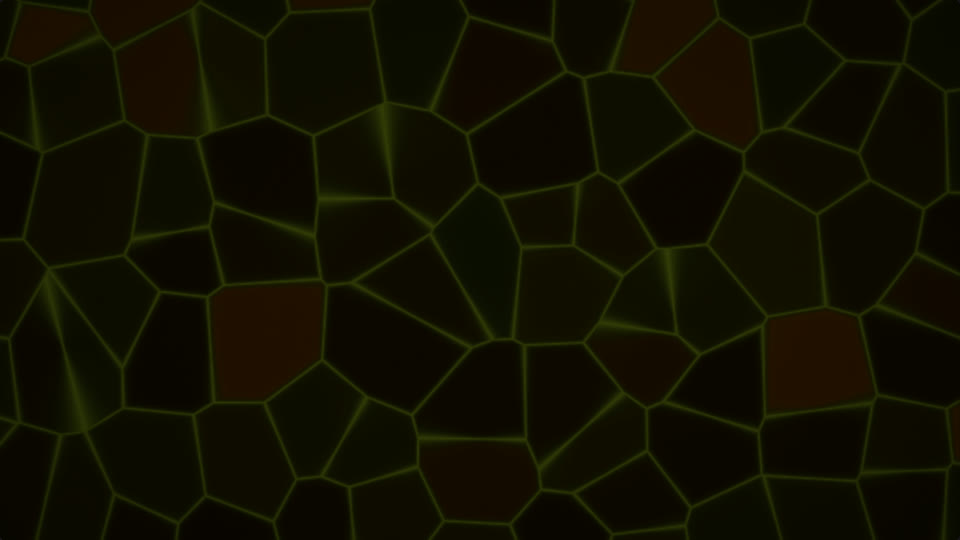
Cells scene
CellsMoving cells, each lit by its own band of the spectrum.
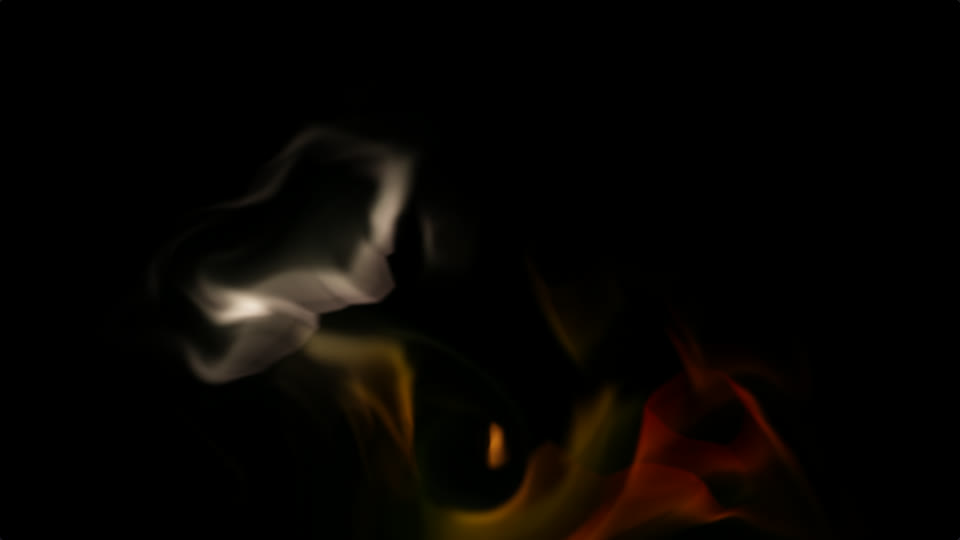
Ink scene
InkColour pulled into smoky filaments by a swirling current.
Layered with EchoKaleidoscopeMirrorFringeGlitchEdgesWaveformPosterizeStrobeInvertGrain

How it listens

It hears the song, not just the volume.

BPM

Finds the tempo

A beat clock locks onto the music, so changes land on bars and phrases.

3

Separate drums

Kick, clap and hi-hat are detected separately, and each one drives its own effect.

64

Frequency bands

Tunnel walls and cells light up with their own slice of the spectrum.

Drop

Knows the sections

Breakdowns calm the picture; a drop cuts to something new.

Techno mode

Hits on every kick.

For fast music the director stops being polite. Flow mode switches to it on its own when the tempo goes above 126 BPM.

  • Kickstrobe, zoom punch, colour fringe
  • Clapinvert, new kaleidoscope count
  • Hi-hatglitch tears, laser flicker
  • Phrasehard cut to the next scene

Prefer it gentler? Options › Reduce flashing turns beats into motion instead of flashes.

On the TV
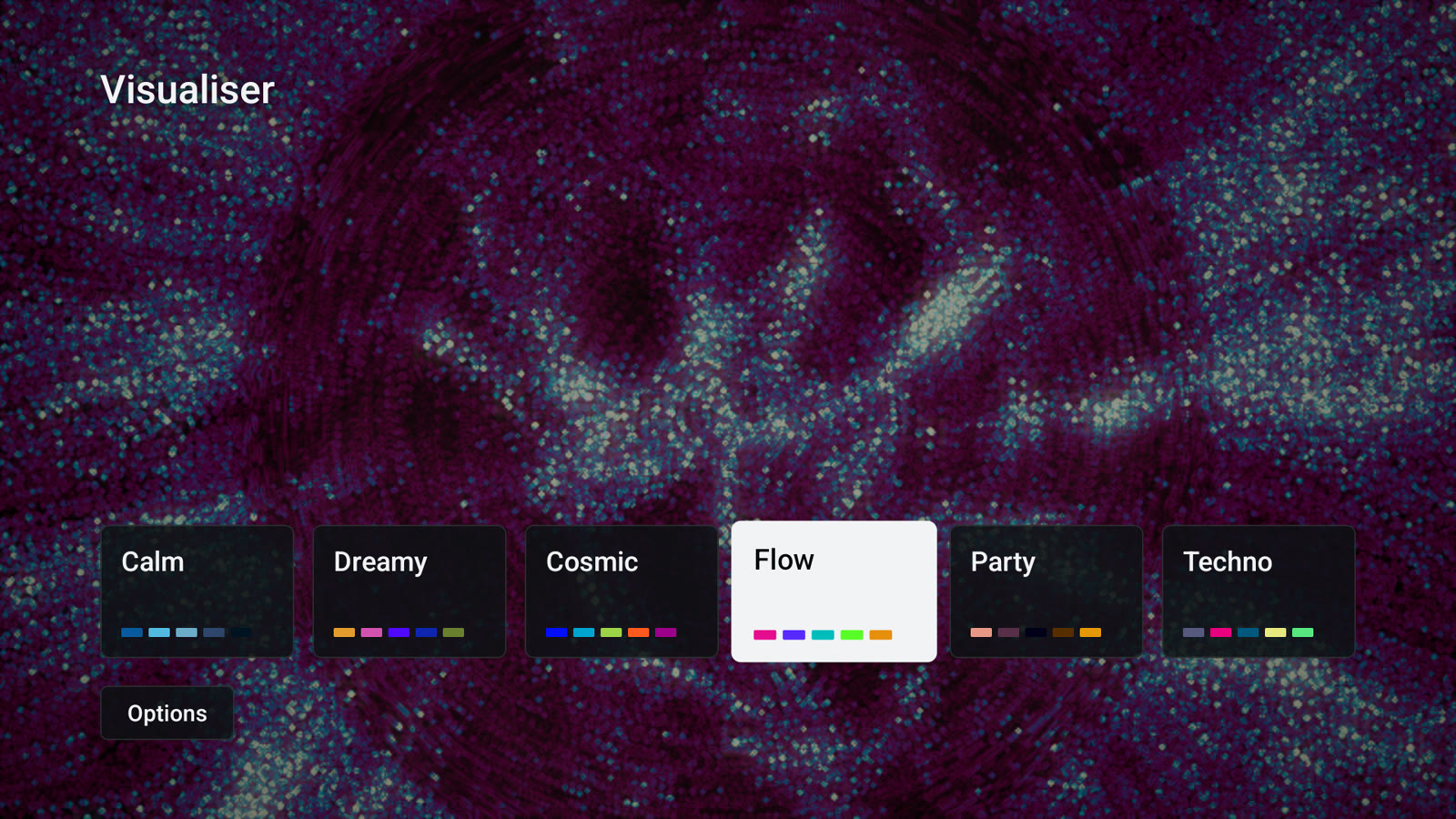
A menu that plays while you choose.

The mood menu over live visuals
The mood menu. Focusing a mood plays it behind the menu.
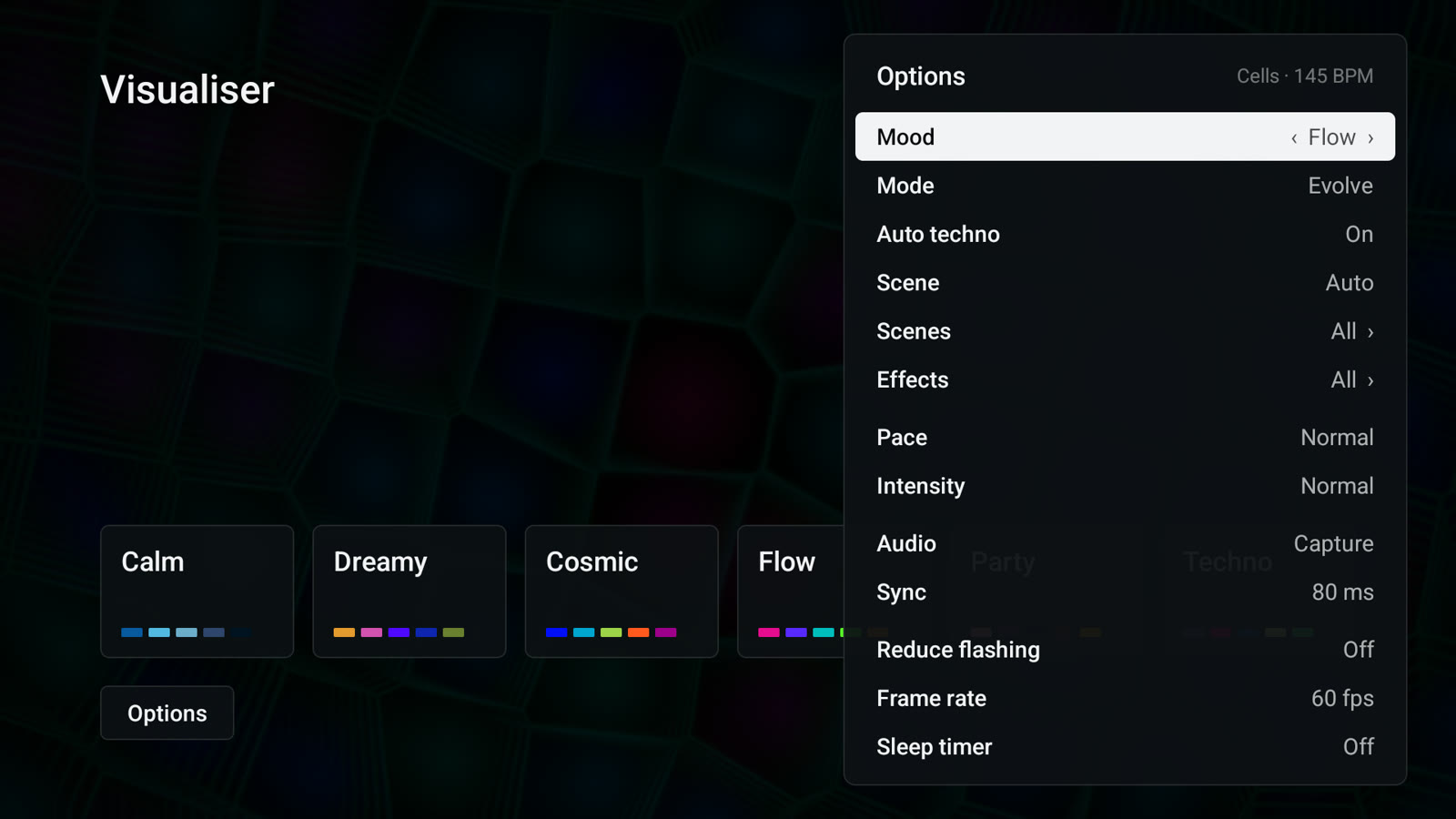
The Options panel
Options: scenes, effects, pace, audio source, sleep timer and more.
◀ ▶Previous or next scene
OKHold this scene
▲A variation of this scene
▼ / MenuOptions
BackBack to the moods
▶ ❚❚Plays or pauses the music app

Install

On your TV in a minute.

  1. Get the APK onto the TVOpen this page in a TV browser or Downloader, or download on a computer and send it with Send Files to TV.
  2. Install and open VisualiserIt appears in your apps with its own banner.
  3. Pick a mood and allow captureAndroid asks once per session to capture what's playing; choose Start now. Prefer no prompt? Set Audio to System mix in Options.
adb install -r visualiser.apk

Visualiser 0.3.0

Free, no account, no ads.

Download APK
Works on
Android TV 10 or newer with OpenGL ES 3
Tuned on
Google TV Streamer (4K)
Audio
Playback capture or system mix